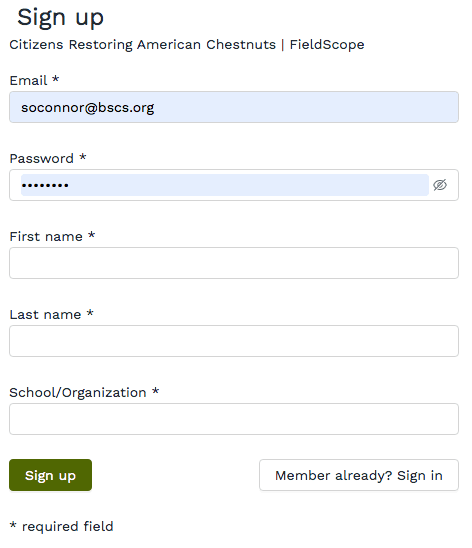
To enter or contribute data to a project in FieldScope, you must first register an account and, if applicable, have that account approved to add data to the project. If you still need to register an account with FieldScope, go to this article.
If you are already registered and signed up for a FieldScope project and simply need to add your data, go to any project page and click on the Add Data+ button at the top right.
If the project you are adding data to uses stations, follow the steps below:
If the project you are adding data to does not use stations, simply find the location on the map where you would like to input data. If known, you may enter your specific longitude and latitude.
From here, you may fill out the other data from your observation. Each project in FieldScope has a different data entry form. When you have filled in all of your data, click on Save observation to finish adding data, or Save & add another if you have more data to add.
Note: If you have not already signed up for a particular project, please be aware that some projects require approval by project organizers before participants can add data.The FieldScope staff cannot provide approval for these closed projects without the consent of project organizers.